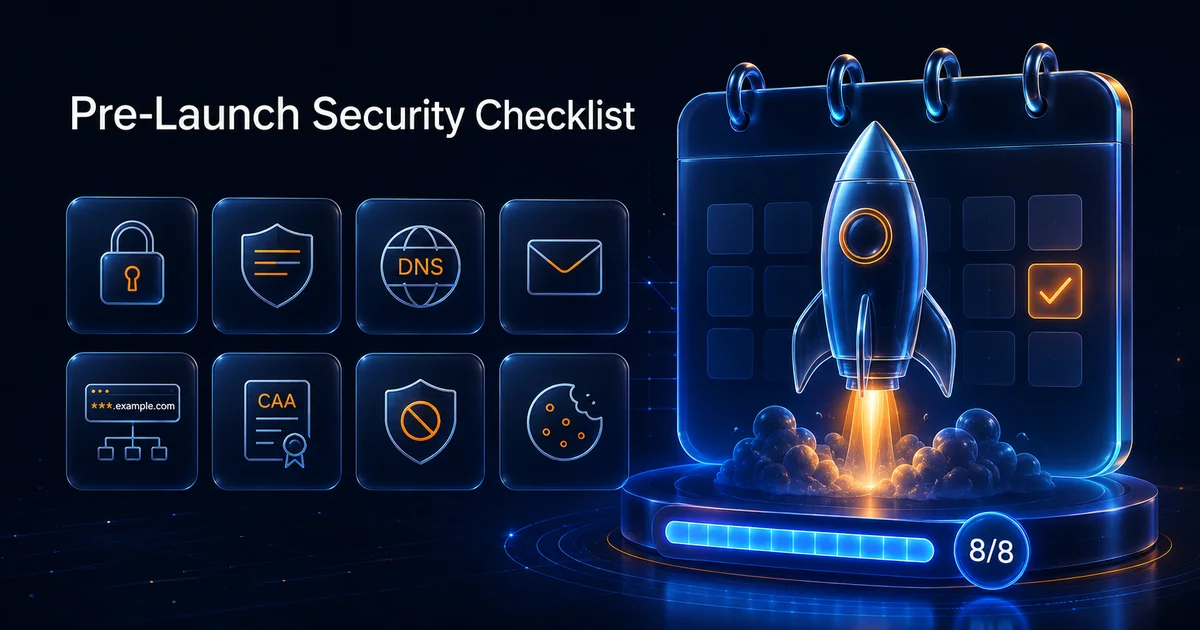
Launch day compresses every unfinished task into one deadline. Security work that waited "until after design" suddenly blocks revenue. This checklist is not another generic guide on how scanning works—see how to scan a website for vulnerabilities for that foundation. Here you get eight concrete free checks to run in order before you flip DNS to production.
Each step links to a Vulnify tool and, where useful, a deeper playbook you can assign to owners.
What This Checklist Deliberately Excludes
Penetration tests, threat modeling, and policy writing are out of scope—see linked guides for scanning foundations and compliance framing. This list is the fast, free, repeatable gate that catches TLS expiry, mail failure, takeover DNS, and header gaps that still ruin launches weekly.
1. Baseline Vulnerability Scan
Run the website vulnerability scanner on your staging or production URL (authorized only). Fix critical and high findings that touch authentication, injection, or exposed admin paths. Read vulnerability scanning best practices for scope and cadence after launch.
Prioritize findings attackers can reach without credentials first—open admin panels, reflected input, and missing access controls beat informational issues on day one.
Deep dive: WAF and CDN detection if your site sits behind an edge network.
2. TLS and Certificate Health
Use the SSL certificate checker and TLS deep analysis for chain completeness, protocol versions, and expiry. Certificate surprises on launch morning are avoidable with a dated reminder two weeks out.
Confirm intermediate chains serve correctly from both mobile and desktop networks—some CDN misconfigurations pass desktop checks while failing older Android clients.
3. Security Headers and Browser Policy
Run the headers analyzer, then CSP, HSTS, and Permissions-Policy passes on templates that matter (home, login, checkout). Follow Permissions-Policy vs security headers so you fix the right layer.
Save before-and-after screenshots when tightening CSP—rollback is faster when marketing needs an emergency content change on launch eve.
4. DNS Inventory and Email Authentication
Pull records with DNS record lookup. Validate SPF, DKIM, and DMARC via the email security checker before transactional mail goes live.
Duplicate SPF TXT records are a frequent launch blocker—DNS lookup surfaces them before support inboxes flood with bounce messages.
Deep dive: Email blacklists and DNSBL playbook.
5. Subdomain Exposure and Takeover Risk
Discover hosts with passive subdomain discovery, then scan for takeover risk with the subdomain takeover scanner. Marketing DNS from old campaigns is a frequent launch-week surprise.
Export the discovery list and assign owners before launch—orphan hosts without owners tend to survive every cleanup sprint.
Deep dive: Subdomain takeover risk playbook.
6. CAA and Certificate Issuance Policy
Confirm which CAs may issue for your domain using the CAA record analyzer. Align DNS policy with the CA your automation actually uses.
If you rely on ACME for renewals, verify issue lines include that CA before Friday cutover—weekend expiry with wrong CAA is a painful fire drill.
Deep dive: CAA records explained.
7. Blacklist and Reputation Triage
Check sending IPs and domains with the DNSBL blacklist checker if you mail customers on launch day. A listing blocks welcome emails faster than a CSS bug blocks checkout.
Run checks on both marketing and transactional domains if they differ—reputation is not always shared across subdomains.
8. Cookie and Session Hardening
After auth flows work functionally, run the cookie security checker on login and session endpoints. Secure, HttpOnly, and SameSite flags belong in launch criteria, not post-launch backlog.
Who Should Run This Checklist
Founders can run the tools themselves in under an hour on staging URLs. Agencies should attach results to client handoff packets. Internal security champions use the checklist as a gate before marketing announces a date. Enterprise teams still need pen tests and policy evidence, but this sequence catches the preventable outages that dominate launch-week war rooms.
Suggested Timeline: Seven Days Before Go-Live
Day minus seven: vulnerability scan and TLS checks on staging. Day minus five: headers, CSP, Permissions-Policy, and cookies on production-like templates. Day minus three: DNS, email authentication, CAA, and DNSBL on production domains even if the app still points elsewhere. Day minus one: subdomain discovery and takeover scan on the apex domain; rerun anything that changed in the last 48 hours. Launch day: quick rescan of headers and TLS after CDN cutover.
Checklist Exports for Stakeholders
Non-technical stakeholders do not need raw scanner JSON. Export green and red summaries per step with links to fix guides. When something fails step four, attach the email security checker output to the ticket assigned to whoever owns DNS—not the frontend developer by default.
When a Step Fails Close to Launch
Not every failure blocks launch, but some should. Treat critical scanner findings, public takeover risk, and broken transactional mail as stop-the-line events. Header gaps on marketing pages may ship with a dated remediation ticket if risk is accepted in writing. Document who accepted the risk—verbal okays disappear when incidents happen.
After Launch
Schedule rescans after the first traffic spike and CDN rule changes. Track exposure over time from the dashboard. Avoid common website security mistakes that reappear when teams rush hotfixes.
Post-Launch Rescan Cadence
Launch is not the end state. Schedule weekly header and TLS spot checks for the first month when marketing velocity is highest. Move to biweekly full vulnerability scans once change frequency drops. After any plugin install, payment integration, or CDN rule edit, rerun the checklist step that matches the change—email for DNS edits, headers for theme updates, takeover scans for new subdomains.
Agencies should store dated exports per client domain so quarterly business reviews show trend lines instead of one-off panic scans. Add calendar reminders tied to certificate expiry and DMARC policy review dates so operational tasks survive personnel changes.
For compliance narratives, tie evidence to how Vulnify helps meet compliance requirements.
Frequently Asked Questions
How long do all eight checks take?
Most teams complete the free tool passes in under an hour if staging URLs are ready. Remediation time depends on findings; run the checklist at least one week before launch.
Should I scan staging or production?
Scan the environment that matches what you will launch. Staging catches issues early; a final production pass confirms what customers will hit—including CDN and WAF behavior.
Is this checklist enough for enterprise compliance?
It is a strong baseline for small and mid-size launches. Enterprise programs may require penetration tests, threat modeling, and policy evidence beyond free automated checks.
What if WAF blocks the vulnerability scan?
Note edge detection in your report and coordinate allowlists or run authorized origin scans. See the WAF and CDN detection guide for interpretation.
Can I skip CAA if I use a CDN-managed certificate?
No. CAA still governs which CAs may issue for your domain. Confirm your automation CA appears in issue tags even when the CDN handles renewal.
Who owns DNS versus application security on this list?
DNS, email auth, CAA, and DNSBL usually belong to infrastructure or IT. Headers and cookies often split between app and platform teams. Assign owners before running the checklist so failures do not bounce between silos.