What happened
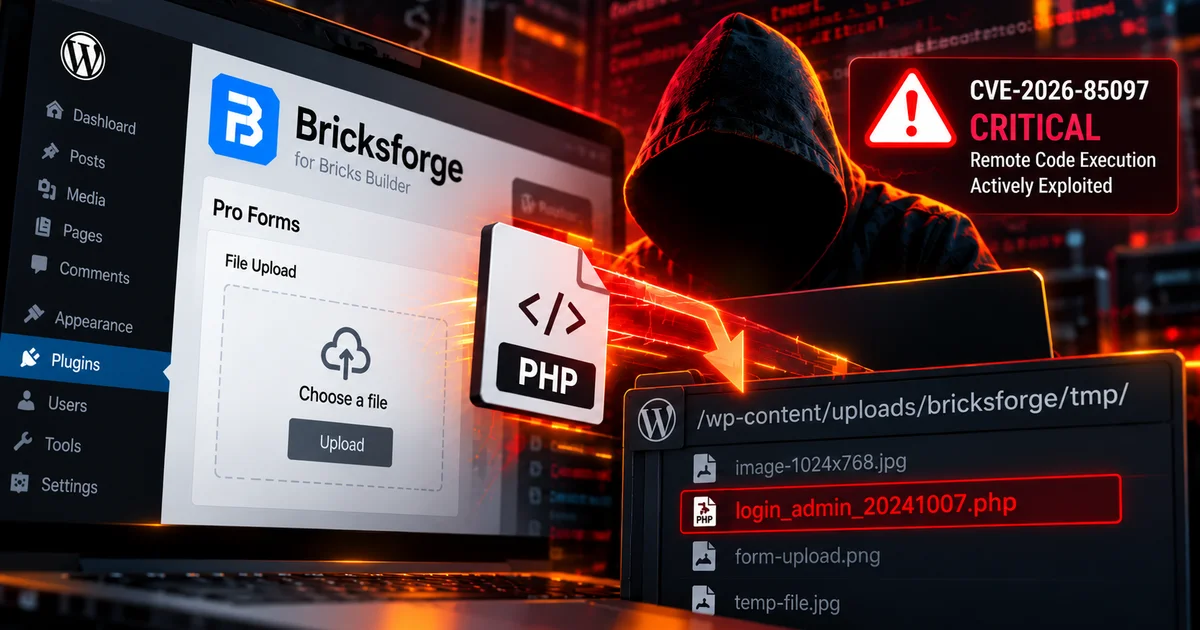
CVE-2026-85097 is a critical arbitrary file upload vulnerability affecting Bricksforge, a WordPress extension for Bricks Builder. Versions through 3.1.8.9 are vulnerable. Patchstack reports active exploitation beginning on October 7, 2026, with automated attack traffic observed from dozens of source addresses.
The vulnerability affects Bricksforge Pro Forms. A file receives MIME validation when initially uploaded, but later form processing trusts attacker-controlled metadata inside the temporaryFileUploads parameter. An unauthenticated attacker can obtain the required nonce, upload content that passes the initial image validation, and then manipulate the destination metadata so the file is written with an executable PHP extension.
Successful exploitation can lead directly to remote code execution. Wordfence assigns CVE-2026-85097 a CVSS 3.1 score of 9.8, while Patchstack rates the issue 10.0. Both classify it as critical. Bricksforge 3.1.8.10 fixes the vulnerable 3.x branch, while the vendor also released a Pro Forms file-upload security fix in version 4.0.1.
Why it matters for website owners
No WordPress account is required to exploit the flaw. Once PHP code is written into a web-accessible uploads directory, an attacker may be able to execute it and gain control over the WordPress installation. This can lead to malicious administrator accounts, altered plugins or themes, stolen application credentials, injected content, additional backdoors, or access to data available to the PHP process.
Patchstack observed attackers testing multiple PHP-related extensions, capitalization variations, and encoded filenames. The activity indicates automated attempts to bypass filtering rather than isolated manual testing.
What to check on your site
- Confirm whether Bricksforge is installed and update any version through 3.1.8.9 to at least 3.1.8.10, or to the latest supported release.
- Review requests to
/wp-json/bricksforge/v1/form_submitand/wp-admin/admin-ajax.phpinvolving Bricksforge form submissions. - Inspect
/wp-content/uploads/bricksforge/tmp/and other upload directories for unexpected PHP files. - Look for suspicious filenames matching patterns such as
login_admin_*.php. - Review administrator accounts, recently modified PHP files, plugins, themes, and other persistence locations if the site ran a vulnerable version after October 7.
- Use the WordPress Stack Checker to help identify publicly detectable WordPress technology while confirming the installed Bricksforge version directly in WordPress.