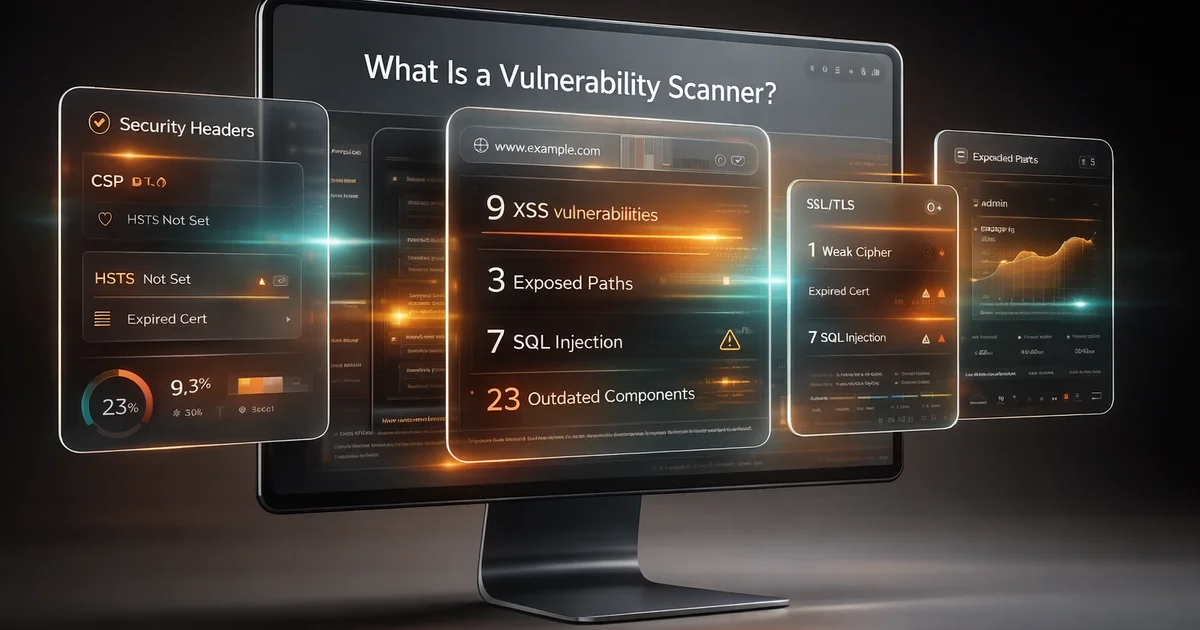
A website can look perfectly normal to customers while exposing weaknesses an attacker can spot in minutes. A missing security header, an outdated JavaScript library, a weak TLS configuration, or an input field that reflects unsanitized data can quietly turn into a real breach path. That is why vulnerability scanning matters. It gives you a practical way to test what your website exposes before somebody else does.
If you have searched for what is a vulnerability scanner, you are probably trying to answer one of two questions. Either you want to understand what these tools actually do, or you want to know whether running one is worth the time and cost. The answer to both is yes, but only if you understand what scanners are good at, what they miss, and how to use them properly.
A vulnerability scanner is not magic. It does not make a website secure by itself, and it does not replace secure coding, patching, or manual review. What it does do is automate the process of checking for known classes of security weaknesses, risky misconfigurations, and exposed attack surface signals. Used well, it helps teams move faster, catch issues earlier, and make security testing repeatable instead of occasional.
For teams that want a practical starting point, a platform such as Vulnify can help scan public-facing web assets, surface findings clearly, and turn broad security questions into a list of issues you can actually work through.
Table of Contents
- What is a vulnerability scanner?
- Why vulnerability scanners matter
- What a vulnerability scanner actually checks
- How vulnerability scanners work
- Attacker view vs defender view
- Types of vulnerability scanners
- What scanners can and cannot do
- How to use a vulnerability scanner well
- Common mistakes when using scanners
- Quick checklist
- Conclusion
- Related articles
What is a vulnerability scanner?
A vulnerability scanner is a security tool that automatically checks a system, application, website, or exposed service for weaknesses that attackers may be able to exploit. In the web context, that usually means testing a public-facing site or application for issues such as insecure headers, outdated components, exposed files, unsafe input handling, weak TLS settings, and other patterns that map to real security risk.
The key word is automatically. Instead of a person manually reviewing every page, request, response, and configuration detail, the scanner performs repeatable checks at scale. It crawls what it can see, interacts with the application in controlled ways, compares behavior against known risky patterns, and then reports findings that need attention.
This makes a vulnerability scanner different from a firewall, antivirus product, or monitoring system. A firewall tries to block attacks. Monitoring tools help detect suspicious activity. A vulnerability scanner focuses on identifying weaknesses before or during exploitation, ideally early enough for you to fix them.
Think of it this way: if an attacker is looking for open doors, hidden doors, and doors with broken locks, a vulnerability scanner is your way of walking the same perimeter on purpose.
Why vulnerability scanners matter
Most attacks do not begin with movie-style hacking. They begin with discovery. Attackers look at what your website reveals publicly, test what responds, and look for weaknesses they can reuse across thousands of targets. If your site exposes one of those weaknesses, it may be found by a human attacker, an automated bot, or both.
That is why vulnerability scanners matter. They reduce the amount of guesswork in your security process. Instead of asking whether your site might have a TLS problem, missing CSP, weak cookie settings, or a reflected input issue, you run a scan and review the evidence.
They are especially valuable for:
- small teams without a dedicated security engineer
- developers who need a repeatable baseline between releases
- agencies managing multiple client sites
- site owners preparing for audits or compliance reviews
- teams inheriting older websites with unknown security posture
Used regularly, vulnerability scanning helps shift security from reactive to routine. Instead of waiting for a customer report, incident, or compliance deadline, you build a habit of checking exposed risk on purpose.
What a vulnerability scanner actually checks
A web vulnerability scanner does not just look for one type of bug. Good scanners check multiple layers of risk because real websites fail in multiple ways at once. One target may have weak headers. Another may reveal framework details. Another may expose a risky admin path or insecure redirect behavior. The point is to test for a broad set of practical issues, not just one headline vulnerability.
Common categories include:
- Injection risks such as SQL injection, command injection, or unsafe parameter handling
- Cross-site scripting where user-controlled input can be rendered unsafely in a browser
- Security header issues such as missing CSP, HSTS, X-Frame-Options, Referrer-Policy, or Permissions-Policy
- SSL/TLS weaknesses including certificate problems, weak protocols, and insecure cipher support
- Exposed files and directories such as backups, configuration files, debug endpoints, and directory listings
- Outdated or vulnerable components including CMS versions, plugins, themes, frameworks, and client-side libraries
- Authentication and session issues such as insecure cookies or weak login-related behavior
- General attack surface findings like exposed technologies, admin panels, or forgotten endpoints
Not every scanner covers these equally well. Some are broad but shallow. Others focus more heavily on web application behavior. That is why understanding how scanners work is as important as understanding what they claim to test.
How vulnerability scanners work
At a high level, vulnerability scanners follow a process that looks simple from the outside and much more detailed underneath.
1. Discovery and crawling
The scanner starts by identifying reachable pages, forms, scripts, links, headers, and response patterns. This creates a basic map of the public-facing application.
2. Fingerprinting
It tries to identify technologies in use, such as the CMS, framework, server software, JavaScript libraries, and header patterns. This matters because different stacks have different risk profiles.
3. Testing
The scanner sends controlled requests to check how the target behaves. That may include testing reflected parameters, inspecting redirects, checking header presence, observing TLS behavior, or comparing responses against patterns associated with known weaknesses.
4. Analysis
The tool evaluates the responses to decide whether a likely weakness exists. Stronger scanners do more verification here to reduce false positives.
5. Reporting
Finally, it organizes findings by severity, affected location, evidence, and remediation guidance so a human can review and act.
A very simple example is an input reflection test. If an application prints user input back into the page without proper encoding, that could indicate XSS risk.
GET /search?q=<script>alert(1)</script> HTTP/1.1 Host: example.comIf the response reflects that input unsafely into executable HTML or JavaScript context, the scanner may flag it for review.
A safer application will encode the output so the browser treats it as text, not code.
<p>Search results for: <script>alert(1)</script></p>That does not mean every reflected value is exploitable, but it shows the basic idea. The scanner is testing whether the application behaves in a way attackers can abuse.
Attacker view vs defender view
One reason vulnerability scanners are useful is that they encourage defenders to think the way attackers do. Attackers usually start with public information and low-cost testing. They are not reading your internal documentation. They are looking at what the site itself reveals.
An attacker may ask:
- What technologies is this site using?
- Are there known weak points in this stack?
- Can any input be manipulated unsafely?
- Are there hidden or forgotten endpoints?
- Does the site leak configuration details?
- Are basic hardening controls missing?
A defender should ask the same questions, but earlier and more systematically. That is where scanning fits. It brings an attacker-style perspective into a controlled process that supports remediation instead of exploitation.
That attacker-versus-defender framing is important because many teams still think security begins with patching what they already know about. In practice, security often begins with discovering what you have exposed and what it looks like from the outside.
Types of vulnerability scanners
The term vulnerability scanner is broad. Different tools are built for different layers of the stack.
Network scanners
These focus on hosts, ports, services, and exposed infrastructure. They help identify what is reachable and whether known weaknesses exist at the service level.
Web application scanners
These focus on websites and web apps. They test pages, forms, headers, parameters, cookies, scripts, and browser-facing behavior.
CMS and platform-specific scanners
These look more deeply at platforms such as WordPress, Shopify, or Joomla, where risk often depends on the specific ecosystem of themes, plugins, templates, and public endpoints.
Dependency and component scanners
These focus on vulnerable libraries, packages, and software components used inside an application or exposed in the front end.
Code scanners
These analyze source code or build artifacts rather than the live website itself. They are valuable, but they solve a different problem from public-surface web scanning.
Most businesses benefit from more than one type over time. But if your question is specifically about what your live website exposes to the internet today, a web-focused vulnerability scanner is the most direct place to start.
What scanners can and cannot do
This is where expectations matter. Vulnerability scanners are powerful, but they are not complete security programs by themselves.
What scanners do well
- find common and repeatable classes of web weakness
- spot misconfigurations quickly
- check large numbers of pages faster than a human can
- make security testing more consistent
- help prioritize obvious fixes
- create reports for developers, managers, and audit workflows
What scanners do not do well
- understand business logic the way a human tester can
- prove every finding is exploitable in real-world conditions
- replace secure architecture and secure coding practices
- see everything behind authentication unless designed for that use case
- catch every issue introduced by custom workflows or unusual application logic
This is why mature teams combine automated scanning with manual review. Automation gives scale and consistency. Human review gives judgment and context.
How to use a vulnerability scanner well
Many teams get disappointing results from scanners not because the tools are bad, but because the process around them is weak. A scanner works best when you treat it as part of an ongoing routine, not a one-off event.
A practical workflow looks like this:
- scan before major releases
- scan after important infrastructure or plugin changes
- scan regularly on a schedule, even when nothing obvious changed
- review findings by severity and business impact
- fix the issues that are real and relevant
- retest after remediation
- keep previous reports so you can compare trends over time
This is also where a service such as Vulnify’s tools and its broader scanning workflow can support teams that want a cleaner, easier way to review public-surface risk without building that process from scratch.
When you use a vulnerability scanner well, it stops being just a tool and becomes a habit. That habit is what reduces risk.
Common mistakes when using scanners
There are a few mistakes that show up repeatedly.
Running one scan and assuming the site is secure
A single clean scan does not mean a website is secure. It only means the scanner did not find a certain set of issues at that point in time.
Ignoring low and medium findings completely
Not every medium issue is urgent, but patterns matter. Several smaller weaknesses together can create a meaningful attack path.
Treating false positives as proof the tool is useless
No scanner is perfect. The goal is not zero noise. The goal is faster and better-informed review.
Using the wrong scanner for the problem
A network scanner, code scanner, and web application scanner answer different questions. Pick the one that matches the layer you need to assess.
Not rescanning after fixes
If you do not retest, you do not really know whether the issue is gone or whether a related weakness still exists elsewhere.
Quick checklist
Use this checklist if you are evaluating whether a vulnerability scanner belongs in your workflow:
- Do we know what our website exposes publicly?
- Do we have a repeatable way to check for common web risks?
- Can we identify missing headers, weak TLS, and exposed files quickly?
- Can we review findings clearly enough for developers to act on them?
- Do we scan after changes, not just during emergencies?
- Do we keep reports so we can track whether our security posture improves?
- Do we combine automation with human review where needed?
If the answer to several of those is no, a vulnerability scanner is probably not optional for you anymore.
Conclusion
A vulnerability scanner is one of the most practical ways to understand what your website exposes before attackers do. It helps you turn security from guesswork into a repeatable process, but it works best when paired with real remediation, secure coding, and regular retesting.
If your team needs a clear starting point, use a web-focused scanner, review the findings carefully, and build a habit of scanning before and after meaningful changes. That is how security posture improves in the real world.